
Chumba Casino AMOE: handwritten requests online
Use Chumba's current Entry Request template and upload a photograph of your handwritten card.
Chumba's described AMOE process uses an online photograph of a handwritten request for 5 Sweeps Coins. Start with the account's Entry Request screen.
Prepare your card
- Verified Chumba account, camera and stable internet connection.
- Blank, white, unlined and unfolded 4 by 6 inch paper or card; black or blue pen.
Complete the online request
Generate the template
Sign in and open Entry Request from the platform footer or app. Complete the acknowledgment with your verified name, pass the human check and reveal the concealed template.
Handwrite Chumba's wording
Copy your generated template exactly, in order, on one side of the card. Use the wording in your own account rather than an example image labelled for a different casino.
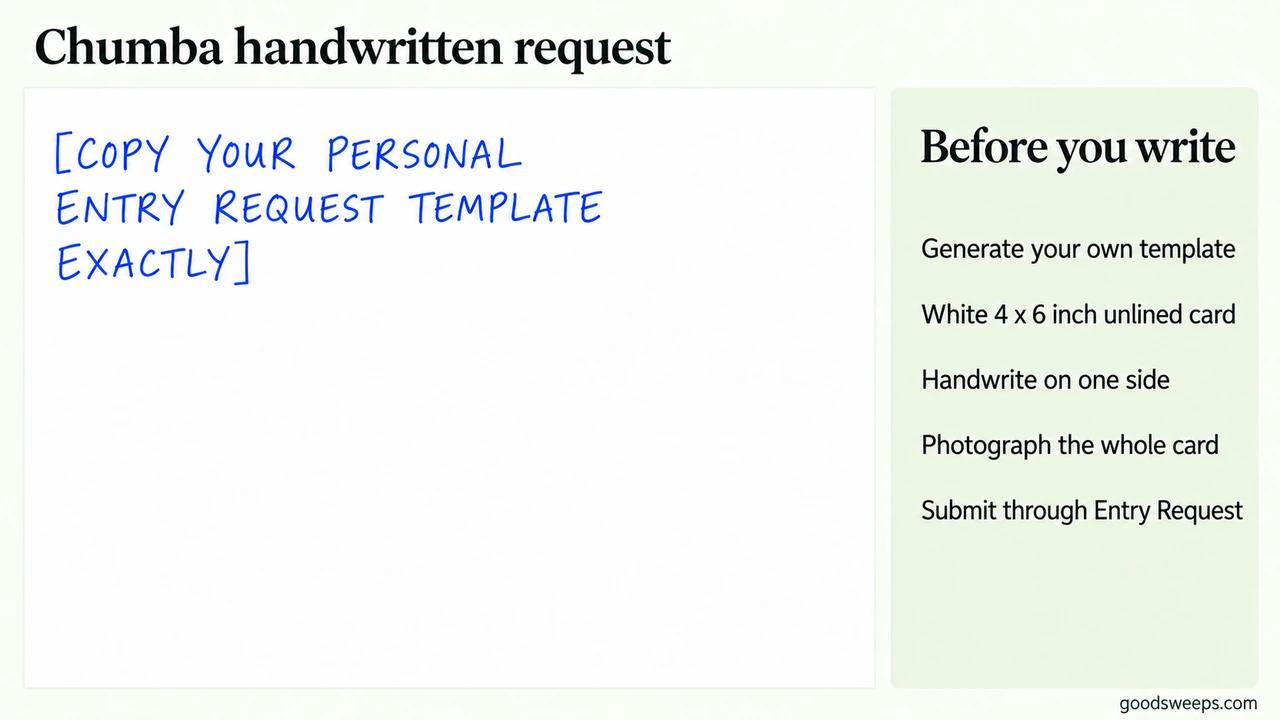
Copy the personal template shown in your account. The placeholder in this illustration is not the request wording. Photograph and submit
Photograph your own completed handwritten card. Keep the whole card in the on-screen frame, well lit and unobstructed. Do not crop it or include other objects, people or extra words. Submit a genuine, unedited photo. Complete any requested selfie verification and submit.
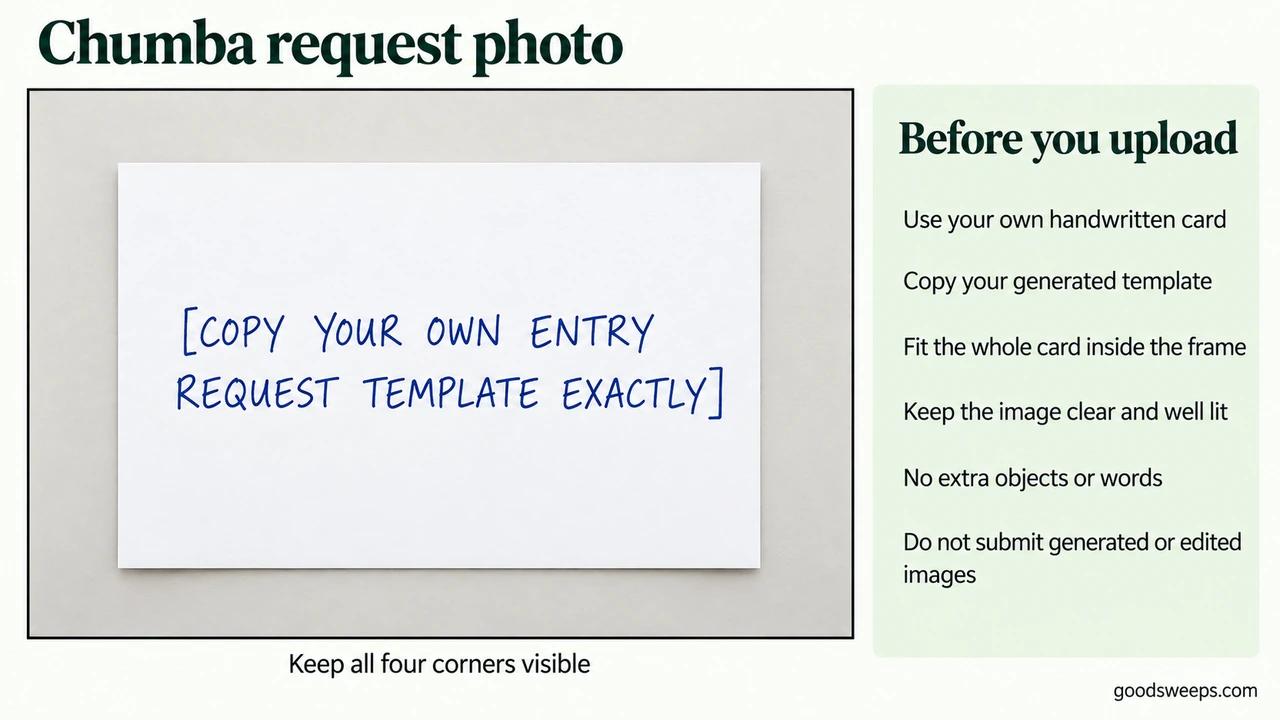
Submit a real, unedited photo of your own handwritten card. This illustration only shows the framing.
Keep the confirmation and submission date. The illustration explains the layout; do not upload it or another generated image as your request. Older postal-envelope examples should not be used for this online procedure.